
FIREFOX SIDEBAR SETUP SCREEN SHOTS
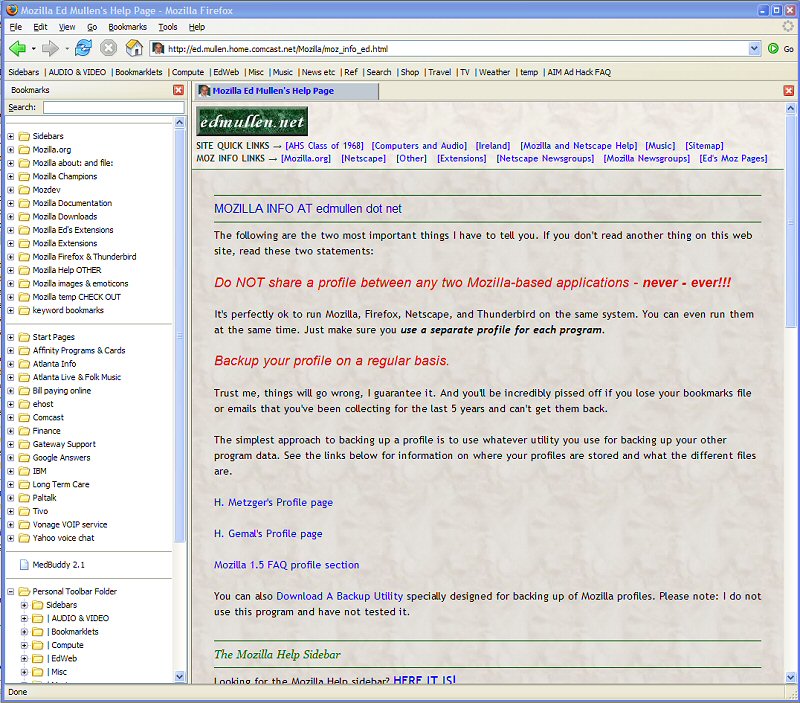
Firefox Sidebar image 1
- Shows the sidebar displaying my bookmarks panel
- keyboard shortcut CTRL+B
- menu location: View - Sidebar - Bookmarks
Note the Personal Toolbar is visible and the "Sidebar" button at the extreme left
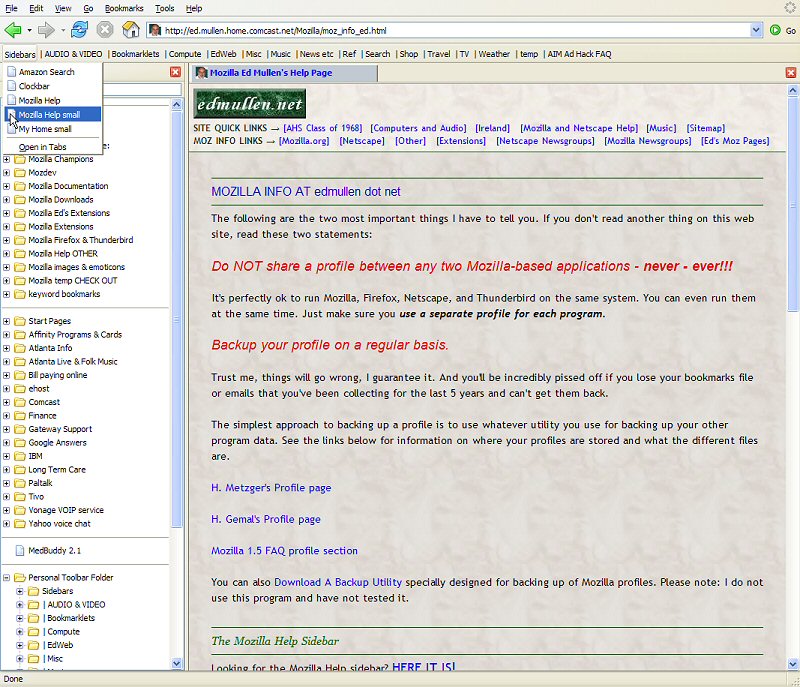
Firefox Sidebar image 2
- shows the "Sidebars" button having been clicked and the bookmarks for
displaying my custom sidebars
- cursor is pointing to, and about to open, the Mozilla Help sidebar
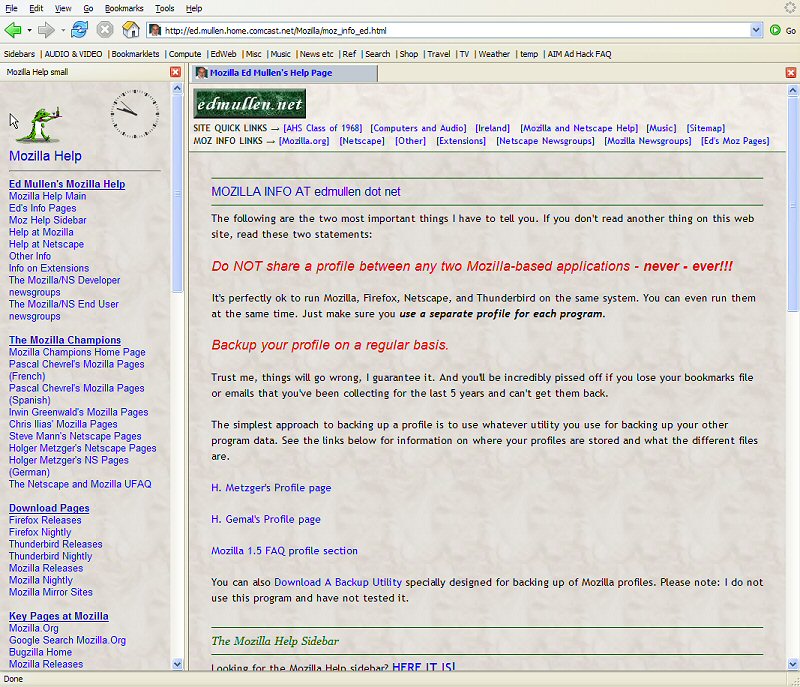
Firefox Sidebar image 3
- Note the sidebar now contains the Mozilla Help Sidebar
- Any link clicked in the sidebar will open in the main browser window ala SeaMonkey
This page last changed: Sunday, July 26, 2015 - 12:49 PM USA Eastern Time
Copyright Ed Mullen | Contact Ed